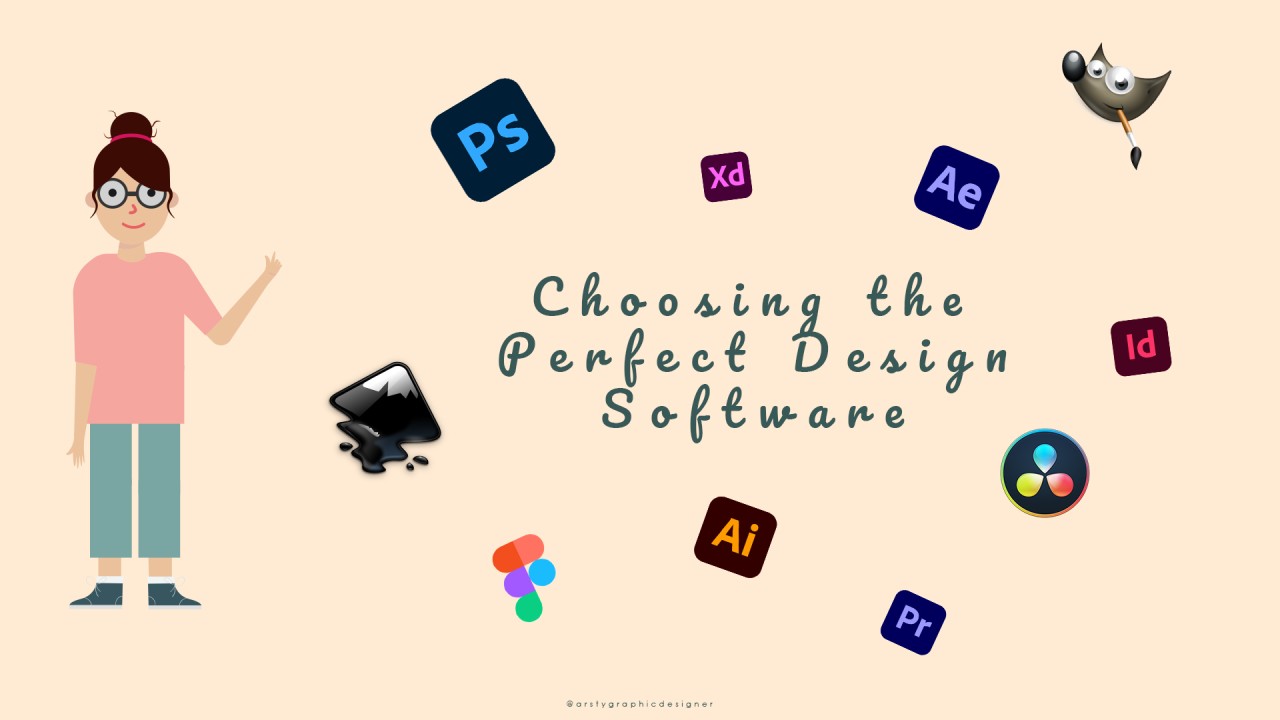
Top 5 User-Friendly Graphic Design Software for All Ages
Graphic design has become an essential skill for individuals of all ages, whether for personal projects or professional endeavors. In this digital age, having access to user-friendly graphic design software can greatly enhance creativity and productivity. Here are the top 5 user-friendly graphic design software options that cater to a diverse range of users, from beginners to seasoned designers:
- Canva: With its intuitive drag-and-drop interface, Canva is perfect for anyone looking to create stunning visuals without a steep learning curve.
- Adobe Spark: This software allows users to create graphics, web pages, and videos easily, making it suitable for both novices and advanced users.
- PicMonkey: Known for its easy-to-use photo editing and design tools, PicMonkey is ideal for anyone who wants to enhance their photos and create appealing graphics.
- Visme: Visme stands out for its presentation and infographic capabilities, providing templates and tools that are accessible for all age groups.
- Fotor: As a versatile photo editing and graphic design tool, Fotor offers an array of features that cater to users looking for quick and efficient design solutions.
How to Help Your Grandma Create Stunning Art with Simple Design Tools
Creating art can be a delightful experience for anyone, especially for your grandma! By introducing her to simple design tools, you can help her unleash her creativity and produce stunning pieces that she can be proud of. Start with user-friendly software and apps that offer intuitive interfaces, such as Canva or Adobe Spark. These platforms provide a wide range of templates and elements that allow her to play around with colors, shapes, and text effortlessly. Encourage her to explore various styles, like collage-making or digital painting, which can be easily mastered with a little practice.
In addition to utilizing design tools, consider arranging some art workshops or online tutorials tailored for beginners. These sessions can be a fun bonding experience, allowing you both to learn new techniques together. You can create a list of objectives for each session, such as:
- Choosing a color palette
- Understanding basic composition principles
- Experimenting with different digital brushes
- Creating themed artworks
By breaking down the process and encouraging her to experiment, you'll empower your grandma to create amazing art pieces that reflect her unique style!
The Ultimate Guide to Graphic Design Software: Making Art Accessible for Everyone
In today's digital age, graphic design software has become essential for both professional designers and hobbyists seeking to express their creativity. Whether you're crafting stunning visuals for social media, developing a brand identity, or designing intricate illustrations, the right tools can make all the difference. This ultimate guide explores the variety of software options available, ranging from user-friendly platforms like Canva to more advanced tools like Adobe Creative Suite. Understanding the features and capabilities of each program will help you choose the best one for your needs.
Accessibility is at the core of modern graphic design, allowing anyone with a passion for art to create compelling images without needing extensive training. With the rise of cloud-based applications and affordable subscription models, software choices are more diverse than ever. Here are some key points to consider:
- Ease of use: Look for intuitive interfaces that allow for seamless design.
- Affordability: Many powerful tools offer free trials or budget-friendly plans.
- Community support: A robust online community can enhance your learning experience.
By embracing these technologies, you're not just learning to design; you're opening yourself to a world of creativity and expression.