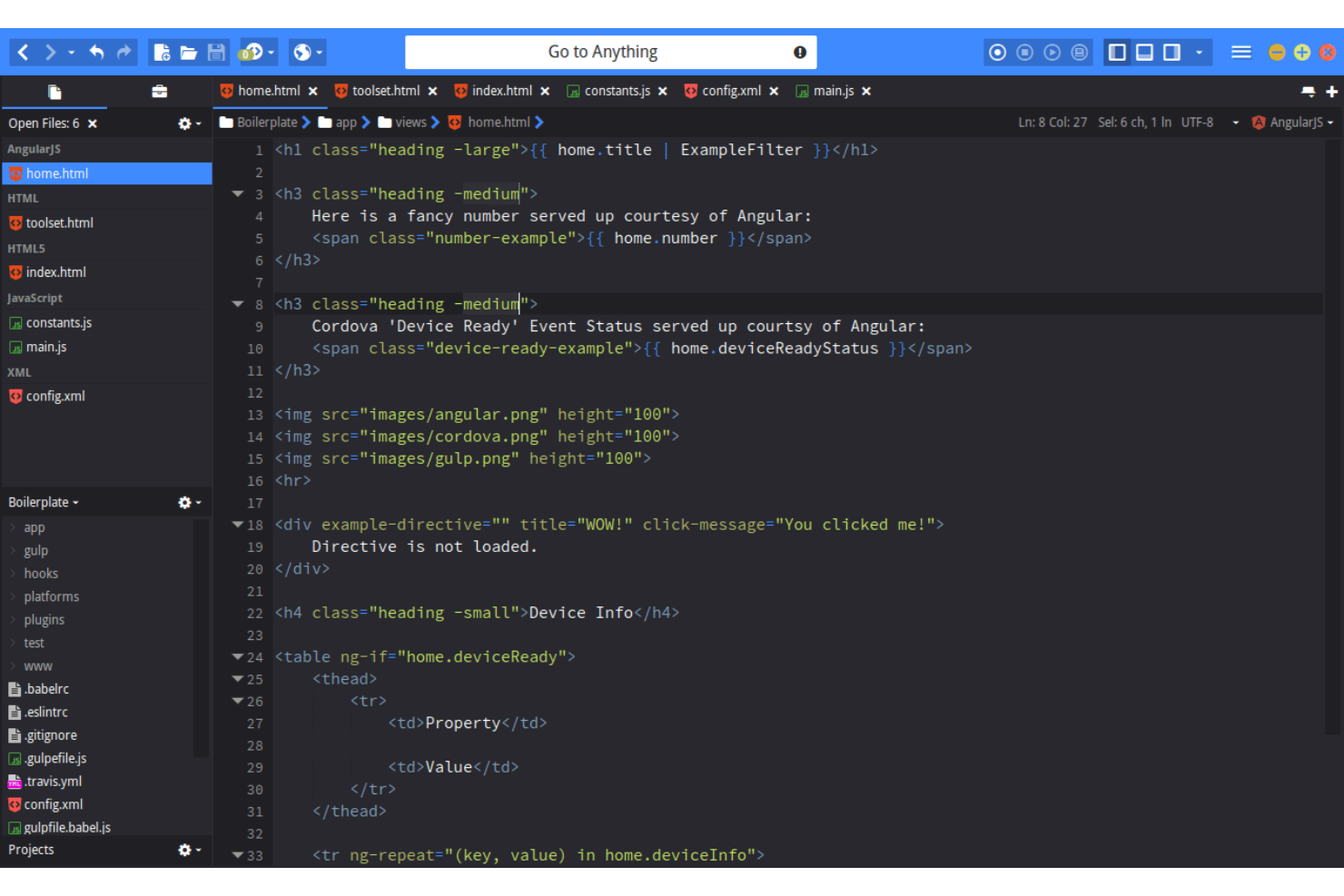
Mastering Coding Efficiency: Tips for Seamless Development
In the fast-paced world of software development, mastering coding efficiency is vital for delivering high-quality products on time. To achieve this, developers should adopt best practices such as using version control systems like Git, which helps in tracking changes and collaborating seamlessly with team members. Additionally, employing coding standards and conventions not only enhances code readability but also minimizes the chances of bugs. Developers can further boost their efficiency by utilizing IDE features, such as code completion and debugging tools, which streamline the coding process and reduce the time spent on troubleshooting.
Another crucial aspect of seamless development is effective time management. Here are some techniques to consider:
- Prioritize tasks: Use tools like the Eisenhower Matrix to identify urgent and important tasks, ensuring that high-priority work gets completed first.
- Set clear goals: Break down large projects into smaller, manageable milestones to keep track of progress and maintain motivation.
- Implement the Pomodoro Technique: Work in focused intervals followed by short breaks to enhance concentration and prevent burnout.
By implementing these strategies, developers can improve their workflow and enhance their coding efficiency, leading to better products and happier clients.
Top 5 Tools to Enhance Your Coding Workflow
In the fast-paced world of software development, having the right tools can dramatically improve your coding workflow. Here are the top 5 tools that every developer should consider incorporating into their toolkit:
- Visual Studio Code: This powerful code editor offers a rich ecosystem of extensions and features, including syntax highlighting, debugging support, and a customizable interface.
- Git: Essential for version control, Git allows developers to track changes, collaborate with others, and maintain a history of their work effortlessly.
- Postman: For those who work with APIs, Postman streamlines the entire process of testing and documenting APIs, making it a must-have tool for enhancing productivity.
- Docker: By utilizing containerization, Docker simplifies the process of deploying applications and ensures consistency across various environments.
- JIRA: This project management tool helps teams organize tasks and track the progress of their projects, making it easier to stay on schedule and meet deadlines.
Integrating these tools into your coding workflow can lead to significant improvements in both efficiency and collaboration. Emphasizing the use of tools such as Visual Studio Code and Git not only enhances individual productivity but also fosters better teamwork among developers. As you explore these options, consider the specific needs of your projects and team dynamics to select the tools that will work best for you.
How to Debug Like a Pro: Troubleshooting Techniques for Developers
Debugging is an essential skill for developers, and mastering effective troubleshooting techniques can save you countless hours of frustration. Start by adopting a systematic approach: first, reproduce the issue consistently. Understanding the conditions that lead to the bug can provide invaluable insights. Next, utilize tools like logging and breakpoints to examine your code in detail. Don't forget to consult your resources, such as documentation and community forums, as they can often lead you to the solution much faster than trial and error.
Once you've gathered information on the bug, isolate the problem by narrowing down the potential causes. This might involve commenting out sections of code or using features like git bisect to identify when the bug was introduced. Utilize unit tests and debugging frameworks to help automate this process and to validate code changes. Remember, debugging is an iterative process; don't rush through it. Taking the time to carefully analyze and address each issue will ultimately enhance your code quality and boost your confidence as a developer.